
Juggling busy calendars for a multi-day corporate retreat in North America often means endless email threads and missed responses. Coordinating diverse participants’ schedules is a recurring headache when every department and team has different priorities. Cloud-driven scheduling tools now make it possible to collect availability instantly, cut down on delays, and spot overlapping conflicts before they disrupt event plans. This guide explores proven strategies to streamline availability gathering so you can focus on the event rather than the back-and-forth.
Table of Contents
- Step 1: Gather Participant Schedules Efficiently
- Step 2: Set Up a Group Calendar With Inverse Scheduling
- Step 3: Share Access for Real-Time Busy Date Updates
- Step 4: Review Calendar Visuals for Overlapping Conflicts
- Step 5: Confirm the Best Dates and Lock In Your Event
Quick Summary
| Key Point | Explanation |
|---|---|
| 1. Use Online Tools for Scheduling | Leverage online scheduling platforms to streamline gathering participant availability, reducing response times and scheduling conflicts significantly. |
| 2. Implement Inverse Scheduling | Focus on collecting unavailable times from participants to simplify group calendar coordination and enhance meeting optimization. |
| 3. Share Calendar for Real-Time Updates | Ensure a transparent system where team members can update their schedules instantly, minimizing communication overhead and scheduling issues. |
| 4. Visualize Conflicts to Enhance Planning | Utilize advanced calendar visualization tools to quickly identify scheduling conflicts and make informed adjustments before finalizing dates. |
| 5. Confirm Dates Well in Advance | Lock in optimal event dates at least 3-4 months ahead to boost participant attendance and ensure smooth logistical planning. |
Step 1: Gather Participant Schedules Efficiently
Effective multi-day event planning starts with understanding participant availability. By collecting schedules strategically, you can minimize communication delays and find optimal meeting times without endless back-and-forth emails.
Modern event coordination leverages cloud-driven technologies to streamline schedule collection. Responsive web design enables quick information sharing across multiple platforms, allowing participants to input their availability effortlessly. Consider these practical approaches:
- Use online scheduling platforms that allow instant availability tracking
- Create shareable calendar links for easy participant input
- Request specific unavailable time blocks instead of asking for availability
- Set clear deadlines for schedule submissions
Understanding participants' constraints is crucial. Some organizations now utilize advanced technologies like graph neural networks for dynamic scheduling, which can predict optimal meeting times by analyzing complex schedule intersections.
Here's a comparison of traditional and modern scheduling methods for multi-day events:
| Method | Communication Speed | Risk of Scheduling Conflicts | Participant Effort |
|---|---|---|---|
| Traditional Emails | Slow, manual responses | High due to coordination lag | High, multiple follow-ups |
| Online Tools | Instant, automated | Low with real-time syncing | Low, single data entry |
| AI-Based Scheduling | Predictive, real-time | Minimal via algorithmic match | Very low, automatic analysis |
Efficient schedule gathering reduces planning time by up to 60% compared to traditional communication methods.
Remember that simplicity drives participation. The easier you make schedule sharing, the more likely participants will respond promptly and accurately.

Pro tip: Send a preliminary scheduling request with a firm but flexible deadline to encourage quick responses.
Step 2: Set Up a Group Calendar With Inverse Scheduling
Inverse scheduling revolutionizes how teams coordinate multi-day events by flipping traditional availability tracking on its head. Instead of asking participants when they are available, this approach focuses on collecting when they are not available, dramatically simplifying group coordination.
Interactive scheduling applications enable seamless implementation of this innovative approach. Key strategies for setting up a group calendar include:
- Choose a platform that supports inverse availability tracking
- Create a centralized calendar link for all participants
- Invite team members to mark their unavailable time blocks
- Set a clear deadline for schedule submissions
- Visualize collective unavailable periods to identify optimal meeting times
Advanced calendar integration techniques, such as synchronizing across multiple platforms, can further streamline your group scheduling process. This allows participants to update their unavailable times from their preferred calendar system without switching between multiple tools.
Inverse scheduling reduces scheduling conflicts by identifying common available windows more efficiently than traditional methods.
The goal is to make schedule sharing as effortless and intuitive as possible, encouraging maximum participation and transparency.
Pro tip: Use color-coding in your group calendar to quickly distinguish between personal, work, and event-specific unavailable time blocks.
Step 3: Share Access for Real-Time Busy Date Updates
Effectively sharing your group calendar means creating a seamless, transparent system where team members can update and view availability instantly. The key is selecting the right platform and permission settings that balance accessibility with privacy.
Calendar sharing enables real-time schedule coordination across your entire team. Implementing this approach involves several critical strategies:
- Choose a calendar platform with robust sharing capabilities
- Define clear permission levels for each participant
- Set granular controls for viewing and editing rights
- Establish a consistent update protocol
- Use notifications to alert team members of schedule changes
Modern collaborative tools like Thunderbird and Google Calendar offer flexible sharing modes that can accommodate different team dynamics. These platforms allow you to control exactly what information participants can see and modify.
Effective calendar sharing reduces communication overhead by 40% and minimizes scheduling conflicts.
The ultimate goal is creating a transparent, real-time scheduling environment where everyone stays informed without constant manual updates.
Pro tip: Designate one team member as the primary calendar administrator to maintain consistency and resolve any sharing conflicts.
Step 4: Review Calendar Visuals for Overlapping Conflicts
Identifying scheduling conflicts requires a strategic visual approach that transforms complex calendar data into clear, actionable insights. By leveraging advanced visualization techniques, you can quickly spot potential overlap issues before they derail your multi-day event planning.
Calendar visualization tools offer interactive conflict detection across different scheduling perspectives. Key strategies for effective conflict review include:
- Use multiple calendar view formats
- Enable color-coded event tracking
- Zoom in and out of different time ranges
- Use drag-and-drop interfaces to test potential schedule adjustments
- Highlight events with potential time conflicts
Advanced calendar components like React Event Calendar provide sophisticated visualization options that go beyond traditional static calendars. These tools allow dynamic event rendering, making it easier to understand complex multi-day scheduling scenarios.
Below is a summary of advanced calendar visualization features and their scheduling impact:
| Visualization Feature | Scheduling Benefit | Implementation Complexity |
|---|---|---|
| Color-Coded Events | Quickly spot conflicts | Low |
| Multi-View Formats | See schedules at a glance | Medium |
| Drag-and-Drop Editing | Instantly adjust timings | Medium |
| Conflict Highlighting | Prevent double booking | High |
Visual conflict detection can reduce scheduling errors by up to 75% compared to manual review methods.
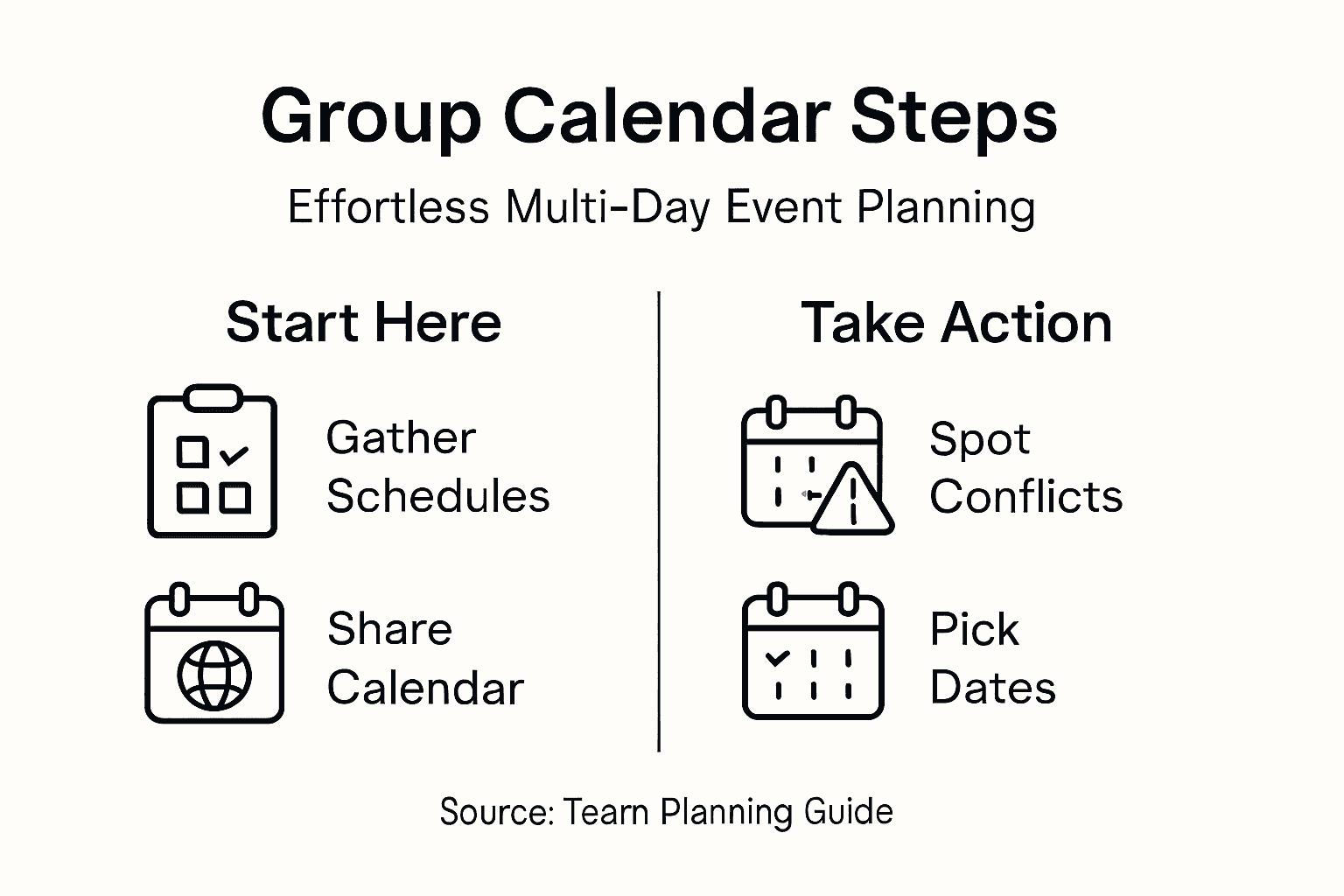
The goal is transforming raw scheduling data into an intuitive, easy-to-understand visual representation that helps your team make informed decisions quickly.
Pro tip: Create a master view that displays all participants' schedules simultaneously to quickly identify collective availability windows.
Step 5: Confirm the Best Dates and Lock In Your Event
Selecting and securing the optimal dates for your multi-day event requires strategic planning and decisive action. By carefully analyzing participant availability and logistical constraints, you can confidently finalize your event schedule.
Event management software simplifies date coordination by providing comprehensive availability tracking and scheduling tools. Key considerations for locking in dates include:
- Cross-reference individual participant schedules
- Evaluate venue availability and pricing
- Consider potential seasonal conflicts
- Check for holiday or competing event schedules
- Allow sufficient notice for participant preparation
Careful date selection is crucial. Multi-day event planning requires early commitment to ensure maximum participant engagement and smooth logistical coordination.
Confirming dates at least 3-4 months in advance increases event attendance by up to 60%.
Once you have identified the optimal timeframe, communicate the confirmed dates promptly to maintain momentum and participant enthusiasm.
Pro tip: Create a tentative event timeline with buffer days to accommodate potential scheduling adjustments.
Simplify Your Multi-Day Event Planning with WhenNOT
Planning multi-day events can be challenging when trying to gather everyone's availability and avoid scheduling conflicts. This article highlights how using inverse scheduling and real-time shared calendars can dramatically reduce back-and-forth communication and make finding the best dates effortless. If you want to eliminate the frustration of managing overlapping calendars and last-minute changes, WhenNOT offers a powerful solution that aligns perfectly with these strategies.
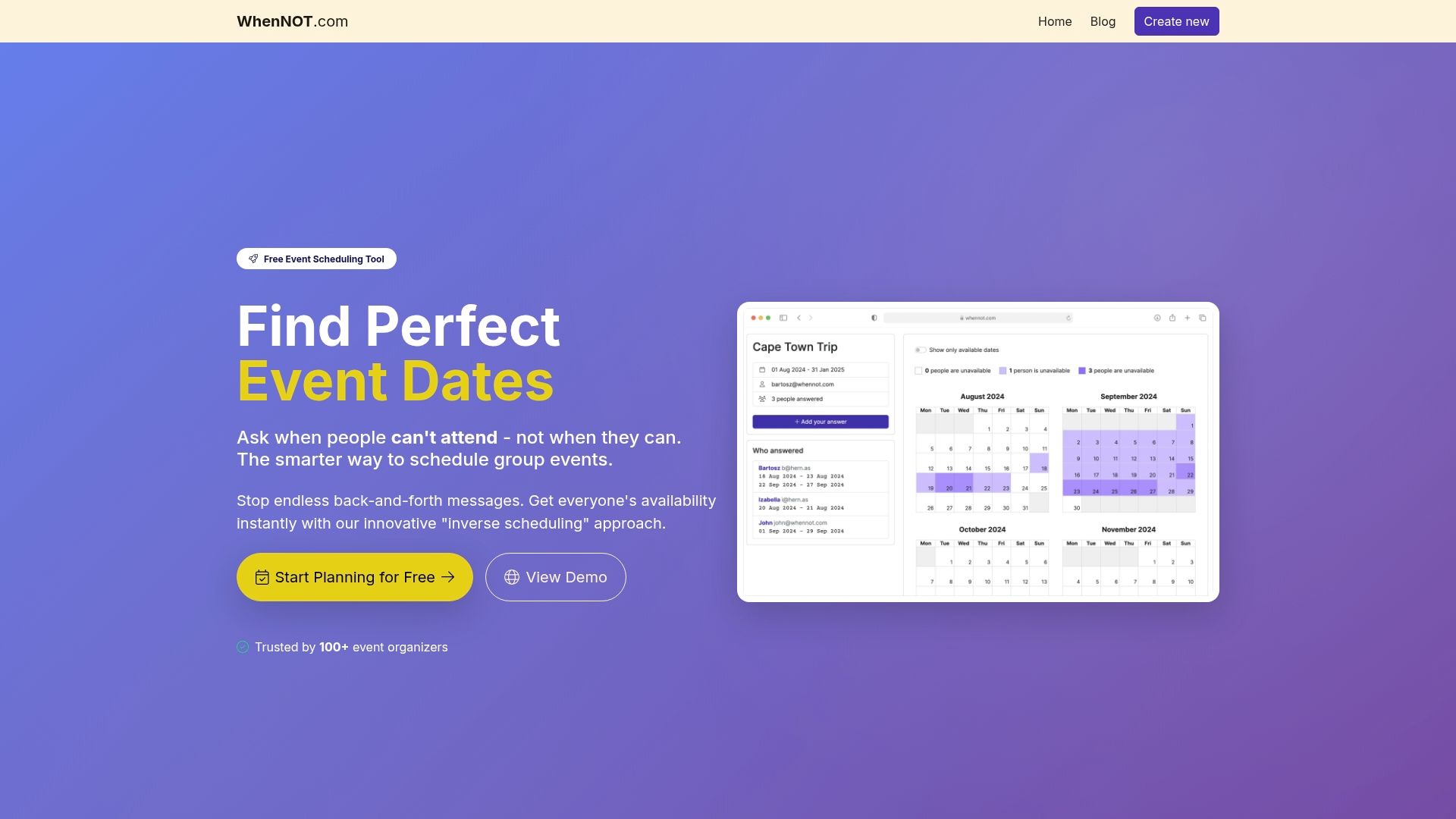
Discover how WhenNOT lets your participants easily mark when they are not available without needing accounts or complicated signups. This intuitive platform visualizes everyone's busy times simultaneously, enabling you to quickly identify common open dates and lock in your event schedule with confidence. Start saving time and minimizing conflicts by trying WhenNOT today. Explore more about how our online tool supports seamless group calendar management at WhenNOT Scheduling Tool and get started planning your next multi-day event the smart way.
Frequently Asked Questions
How can I efficiently collect participant availability for a multi-day event?
To efficiently collect participant availability, use online scheduling platforms that enable instant tracking of schedules. Create shareable calendar links for participants and request specific unavailable time blocks instead of open availability.
What is inverse scheduling and how can it help my event planning?
Inverse scheduling focuses on identifying when participants are unavailable, rather than asking when they are free. This simplifies group coordination by visually identifying common available windows faster than traditional methods.
How do I share a group calendar for real-time updates?
To share a group calendar effectively, select a platform with robust sharing options and define clear permission levels for participants. Establish a consistent update protocol to ensure everyone is informed of schedule changes in real-time.
What visualization techniques can help in identifying scheduling conflicts?
Using color-coded event tracking and multiple calendar view formats will help you spot scheduling conflicts quickly. Implementing drag-and-drop editing features can also allow for instant adjustments to your multi-day event schedule.
When should I lock in the dates for my multi-day event?
Aim to confirm dates for your multi-day event at least 3-4 months in advance. This not only increases participant attendance but also provides ample time for logistical planning and any necessary adjustments.
How can I encourage prompt responses from participants regarding their availability?
Send a preliminary scheduling request with a firm but flexible deadline to encourage participants to respond quickly. Simplifying the scheduling process will also enhance the likelihood of timely and accurate input from attendees.