
Coordinating a multi-day retreat for a diverse corporate team often means juggling overlapping schedules, shifting commitments, and the risk of costly time conflicts. For event planners managing participants from different countries and departments, finding an efficient way to synchronize calendars is more than just convenient—it is essential. By leveraging group calendars, teams gain instant visibility into collective availability, real-time updates, and tools that minimize planning headaches. Discover how these collaborative platforms transform the scheduling process for complex events.
Table of Contents
- What Are Group Calendars and How They Work
- Types of Group Calendars for Modern Teams
- Key Features That Enhance Scheduling Efficiency
- Real-World Applications in Multi-Day Event Planning
- Common Pitfalls and Best Practices for Adoption
Key Takeaways
| Point | Details |
|---|---|
| Group Calendars Enhance Collaboration | They provide a centralized platform for teams to view and coordinate events, reducing scheduling conflicts. |
| Types of Group Calendars Cater to Diverse Needs | Different calendar types (team, department, project-specific, cross-organizational) serve specific organizational purposes. |
| Integration of Advanced Features | Features like conflict detection and time zone synchronization significantly improve scheduling efficiency. |
| Best Practices for Adoption | Effective adoption requires structured onboarding, clear guidelines, and designated coordinators to maintain consistency. |
What Are Group Calendars and How They Work
Group calendars are collaborative digital scheduling platforms that enable multiple individuals to share, view, and coordinate events across different schedules simultaneously. Unlike traditional individual calendars, these tools transform event planning by providing a centralized space for teams, organizations, and groups to synchronize their time and availability.
At their core, group calendars function through several key mechanisms:
- Shared Access: Participants can view and interact with a collective calendar
- Real-time Updates: Changes made by one user are instantly visible to all members
- Permission Management: Administrators can control who can edit or modify events
- Cross-platform Compatibility: Most group calendars work across different devices and operating systems
The technical architecture of group calendars allows for seamless coordination of scheduling activities. When a team member adds an event, the system automatically updates and notifies other participants, reducing communication delays and potential scheduling conflicts.
Unique features distinguish group calendars from traditional scheduling methods. These platforms typically offer visual representations of team availability, color-coded event categorization, and integrated communication tools that streamline the entire planning process. By aggregating individual schedules into a unified view, group calendars eliminate the complex back-and-forth communication typically required for coordinating multi-participant events.
Pro tip: Select a group calendar platform that offers robust privacy controls and allows granular permission settings to protect sensitive scheduling information.
Types of Group Calendars for Modern Teams
Modern teams require diverse group calendar solutions that adapt to different collaborative needs and organizational structures. Calendar sharing technologies have evolved to provide multiple approaches for teams to coordinate and manage their collective schedules effectively.
The primary types of group calendars include:
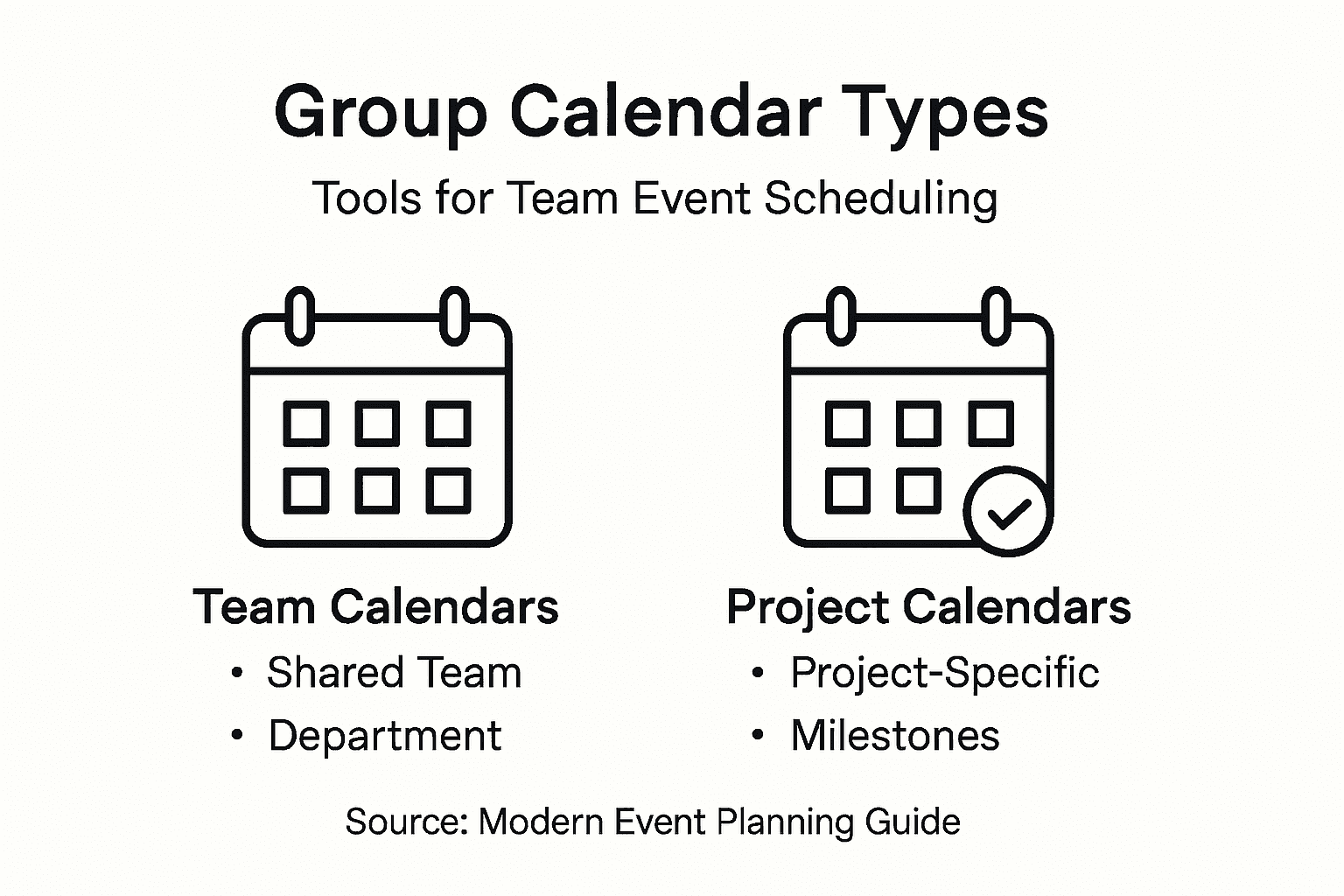
- Shared Team Calendars: Centralized platforms where all team members can view and edit events
- Department Calendars: Specialized calendars for specific organizational units
- Project-Specific Calendars: Dedicated scheduling tools for individual project timelines
- Cross-Organizational Calendars: Platforms enabling collaboration across different departments or external partners
Each calendar type serves unique organizational communication and coordination requirements. Shared team calendars work best for smaller, closely integrated groups that require immediate visibility into each other's schedules. Department calendars provide broader context for larger organizational units, allowing managers to track team-wide commitments and resource allocation.
Project-specific calendars offer granular scheduling capabilities, enabling teams to track milestones, deadlines, and collaborative events with precision. These specialized calendars can integrate with project management tools, creating a comprehensive ecosystem for tracking both time and task progress. Cross-organizational calendars represent the most advanced group calendar type, facilitating seamless communication between different teams, external contractors, and partner organizations.
Here's a comparison of common types of group calendars and their ideal use cases:
| Calendar Type | Suitable For | Key Advantage |
|---|---|---|
| Shared Team | Small, tight teams | Immediate schedule visibility |
| Department | Larger units | Tracks commitments broadly |
| Project-Specific | Task-focused teams | Aligns with project milestones |
| Cross-Organizational | Multi-company projects | Organizes across organizations |
Pro tip: Choose a group calendar platform that offers flexible permission settings and supports multiple calendar integration to maximize scheduling efficiency.
Key Features That Enhance Scheduling Efficiency
Effective group calendars go beyond simple date tracking, offering sophisticated features that dramatically streamline event planning and team coordination. Scheduling assistant technologies have revolutionized how teams manage complex time-sensitive activities.
Key features that enhance scheduling efficiency include:
- Availability Mapping: Automatically displaying team members' free and busy time slots
- Conflict Detection: Identifying potential scheduling overlaps in real-time
- Smart Time Suggestion: Recommending optimal meeting times based on participant availability
- Resource Integration: Connecting calendar scheduling with meeting room and equipment reservations
- Time Zone Synchronization: Adjusting schedules across different geographic locations
Automation represents a critical breakthrough in scheduling technology. Advanced group calendars can now predict potential conflicts, suggest alternative time slots, and provide visual representations of team availability with unprecedented precision. This reduces the manual effort required to coordinate multiple schedules and minimizes communication overhead.

The most sophisticated scheduling platforms integrate multiple intelligent features that transform calendar management from a reactive to a proactive process. By considering individual preferences, organizational relationships, and complex scheduling constraints, these tools create a comprehensive ecosystem that adapts to the nuanced requirements of modern team collaboration.
Pro tip: Select a scheduling platform that offers granular permission controls and supports seamless integration with your existing project management tools.
Real-World Applications in Multi-Day Event Planning
Multi-day event planning requires sophisticated coordination strategies that go beyond traditional scheduling approaches. Group scheduling techniques have become increasingly critical for organizations managing complex, extended events across various domains.
Real-world applications of group calendars in multi-day event planning span several key sectors:
- Medical Conferences: Coordinating presentations, workshops, and participant schedules
- Corporate Retreats: Managing team activities, breakout sessions, and networking events
- Academic Symposiums: Tracking multiple research presentations and panel discussions
- International Training Programs: Synchronizing schedules across different time zones and locations
- Scientific Expeditions: Organizing complex research team logistics and collaborative activities
Each sector demonstrates unique challenges that group calendars effectively address. In medical conferences, for instance, organizers must juggle hundreds of speakers, session times, and participant availability. Advanced group calendar systems allow real-time adjustments, preventing scheduling conflicts and ensuring smooth event progression. Corporate retreats benefit similarly, with calendars enabling precise tracking of team-building activities, workshops, and individual participant commitments.
The most advanced multi-day event planning approaches leverage intelligent calendar systems that do more than just track time. These platforms provide dynamic visualization of team availability, automatic conflict resolution, and seamless communication channels that transform complex scheduling from a logistical nightmare into a streamlined, efficient process.
Pro tip: Implement a group calendar system that offers granular permission settings and real-time synchronization to maximize multi-day event coordination.
Common Pitfalls and Best Practices for Adoption
Adopting group calendars requires strategic planning and an understanding of potential challenges that can derail effective implementation. Group project management strategies reveal critical insights into successfully integrating these collaborative tools across different organizational contexts.
Common pitfalls in group calendar adoption include:
- Inconsistent Usage: Team members not updating calendars regularly
- Permission Complexity: Overly complicated access controls
- Technology Resistance: Reluctance to learn new digital scheduling tools
- Privacy Concerns: Uncertainty about sharing personal scheduling information
- Communication Gaps: Failing to establish clear calendar management protocols
Successful implementation demands a comprehensive approach that addresses both technological and human factors. Organizations must invest time in training, establishing clear guidelines, and creating a culture of transparent communication. This involves not just teaching the technical aspects of group calendars but also helping team members understand the value of collective scheduling.
Effective adoption requires designating calendar management responsibilities and creating a standardized approach to scheduling. This might involve appointing a team coordinator who ensures consistent calendar maintenance, sets clear expectations for updates, and helps troubleshoot any technical or procedural challenges that emerge during implementation.
The following table summarizes best practices for successful group calendar adoption:
| Practice | Description | Benefit |
|---|---|---|
| Structured Onboarding | Train all team members on protocols | Reduces confusion |
| Clear Guidelines | Define update and sharing rules | Ensures consistency |
| Designate Coordinator | Assign a management role | Maintains calendar accuracy |
| Ongoing Support | Offer help for technical issues | Overcomes resistance |
Pro tip: Conduct a structured onboarding session for new team members, focusing on your organization's specific group calendar protocols and expectations.
Simplify Multi-Day Event Planning with WhenNOT
The article highlights how group calendars face challenges like inconsistent usage, communication delays, and complex scheduling for multi-day events. If you have ever struggled with coordinating multiple participants across different availability or time zones, you understand how frustrating traditional calendars can be. Concepts like real-time updates and permission management are crucial but often insufficient for truly efficient event planning. WhenNOT addresses these pain points by shifting the focus to identifying when participants are not busy, eliminating the back-and-forth hassles and confusion around managing busy schedules.
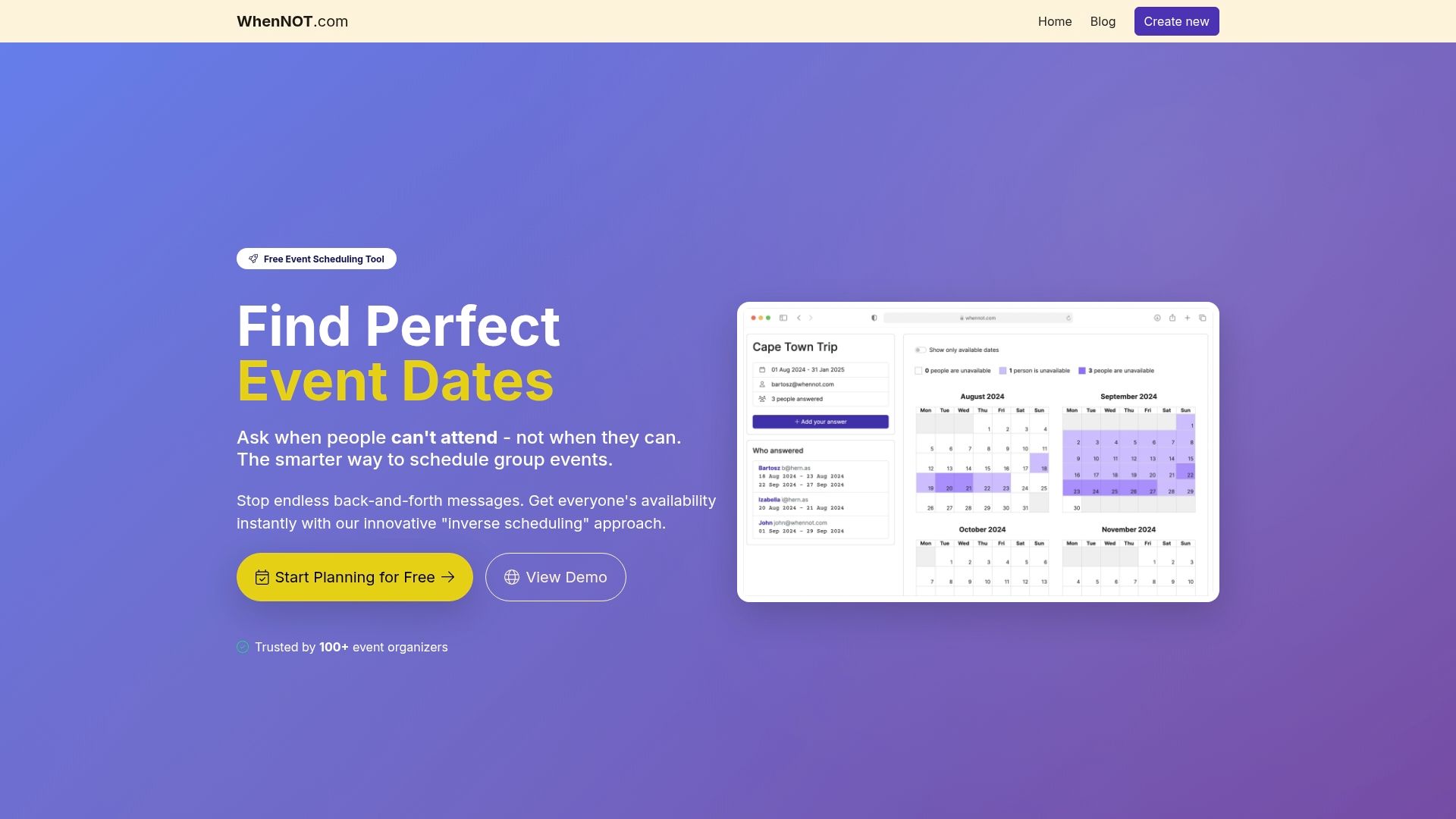
Discover how WhenNOT's unique approach to scheduling makes group event planning easier and faster. Whether you are organizing corporate retreats, academic symposiums, or social gatherings, WhenNOT lets participants mark their unavailable dates effortlessly—no sign-ups required. This powerful yet simple tool helps you visualize everyone's busy days simultaneously, ensuring optimal date selection with privacy and security in mind. Take control of your planning process now by visiting WhenNOT's homepage. Learn more about how this innovative scheduling platform overcomes common pitfalls detailed in the article and start saving valuable time today.
Frequently Asked Questions
What are group calendars and how do they work?
Group calendars are collaborative digital platforms that allow multiple users to share, view, and coordinate events. They provide features like shared access, real-time updates, and permission management to streamline scheduling effectively.
How can group calendars improve multi-day event planning?
Group calendars enhance multi-day event planning by offering tools for real-time adjustments, conflict resolution, and visual representations of team availability, making it easier to coordinate complex events without scheduling conflicts.
What types of group calendars are available for different team structures?
There are several types of group calendars, including shared team calendars, department calendars, project-specific calendars, and cross-organizational calendars, each designed to meet distinct collaborative needs and communication requirements.
What key features should I look for in a group calendar to optimize scheduling efficiency?
Key features to consider include availability mapping, conflict detection, smart time suggestion, resource integration, and time zone synchronization. These functionalities help streamline event planning and enhance team coordination.