
Coordinating multi-day events can feel like an endless puzzle, especially for American planners handling busy teams with packed calendars. Studies show that over 60 percent of event coordinators spend valuable hours chasing down availability and resolving scheduling conflicts. The right system simplifies everything, letting you organize corporate retreats or social gatherings with confidence and less stress. Discover how advanced multi-user scheduling delivers efficiency for modern teams in North America.
Table of Contents
- Defining Multi-User Scheduling Systems
- Types of Multi-User Scheduling Workflows
- Key Features And How Scheduling Works
- Real-World Applications For Event Planners
- Common Mistakes And How To Avoid Them
Key Takeaways
| Point | Details |
|---|---|
| Multi-user Scheduling Systems Enhance Coordination | These systems streamline complex event planning, enabling real-time collaboration among multiple participants. |
| Adaptive Workflows Are Essential | Choosing the right workflow type is crucial; assess team dynamics for optimal effectiveness. |
| Key Features Focus on Efficiency and Privacy | Look for systems that provide robust conflict resolution and privacy controls to enhance user experience. |
| Avoid Common Scheduling Pitfalls | Recognize and proactively address common mistakes like overlooking time zones and rigid frameworks to ensure smooth scheduling. |
Defining Multi-User Scheduling Systems
Multi-user scheduling systems represent sophisticated technological solutions designed to coordinate events, appointments, and resource allocation across multiple participants simultaneously. These complex platforms go beyond traditional single-user calendaring by enabling collaborative planning where numerous stakeholders can interact and negotiate availability in real time.
At their core, multi-user scheduling systems solve the intricate challenge of synchronizing time preferences across different individuals or groups. Advanced scheduling methodologies demonstrate how these systems must simultaneously optimize objectives for multiple users, managing shared resources with remarkable precision. For event planners and team coordinators, this means transforming what used to be hours of back-and-forth communication into streamlined, efficient processes.
The technical architecture of these systems typically involves several key components:- Availability Mapping: Tracking individual time blocks and constraints- Conflict Resolution: Automatically identifying potential scheduling overlaps- Privacy Controls: Ensuring participants reveal only necessary scheduling information- Collaborative Negotiation: Facilitating dynamic adjustment of potential meeting times
Pro tip: When evaluating multi-user scheduling tools, prioritize platforms that offer granular privacy settings and intuitive conflict resolution mechanisms.
Types of Multi-User Scheduling Workflows
Multi-user scheduling workflows represent sophisticated methodologies for coordinating complex event planning and resource management across diverse participant groups. These workflows are not one-size-fits-all solutions but rather adaptive frameworks that can be customized to meet specific organizational needs and communication dynamics.
Multi-objective scheduling approaches demonstrate the intricate nature of these systems, where multiple participants with different priorities must negotiate and align their scheduling requirements. The primary workflow types include:
- Sequential Workflows: Participants schedule in a linear, step-by-step progression
- Parallel Workflows: Multiple scheduling tracks can occur simultaneously
- Hierarchical Workflows: Scheduling follows organizational reporting structures
- Collaborative Workflows: Real-time negotiation and mutual adjustment of schedules
In clinical and scientific research contexts, these workflows become even more nuanced. They must balance participant availability, resource constraints, and complex logistical requirements while maintaining flexibility and efficiency. Organizations typically select workflow approaches based on their specific communication patterns, team structure, and project complexity.
Here's a comparison of key multi-user scheduling workflow types:
| Workflow Type | Main Strength | Typical Use Case |
|---|---|---|
| Sequential | Simple to manage steps | Small team meeting planning |
| Parallel | Handles multiple tracks | Large events with subteams |
| Hierarchical | Enforces organization structure | Department-level scheduling |
| Collaborative | Maximizes flexibility | Dynamic project coordination |
Pro tip: Always assess your team's unique communication dynamics before selecting a specific multi-user scheduling workflow approach to ensure optimal adoption and effectiveness.
Key Features and How Scheduling Works
Multi-user scheduling systems are sophisticated technological platforms designed to transform complex event coordination into streamlined, efficient processes. These advanced systems go far beyond traditional calendar management, integrating complex algorithms and user-friendly interfaces to solve intricate scheduling challenges across diverse organizational contexts.
Scheduling algorithms employ sophisticated combinatorial optimization techniques that balance multiple user objectives and resource constraints simultaneously. The core features of these systems typically include:
- Conflict Detection: Automatically identifying scheduling overlaps
- Resource Allocation: Efficiently managing shared resources and time blocks
- Privacy Management: Controlling information visibility across participants
- Dynamic Adjustment: Enabling real-time schedule modifications
- Collaborative Negotiation: Facilitating interactive scheduling decisions
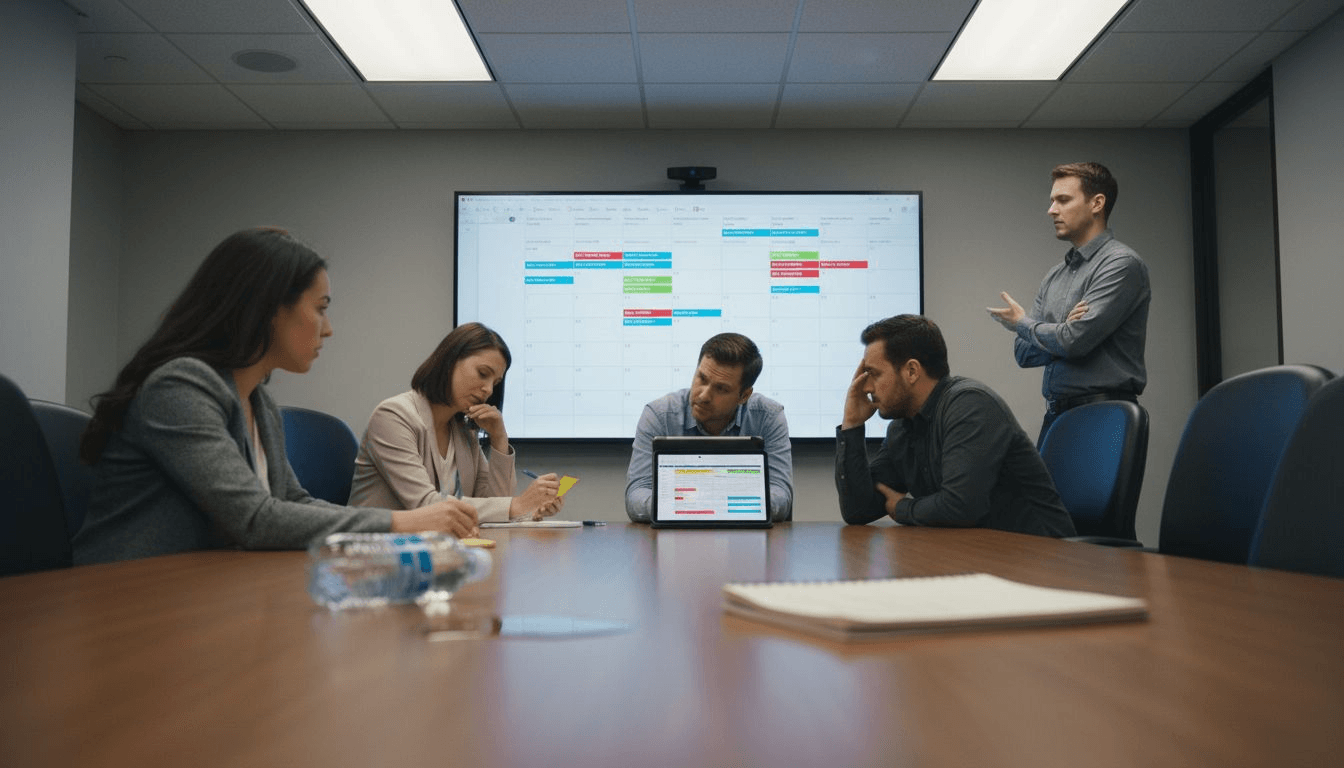
The underlying mechanics of multi-user scheduling involve sophisticated computational processes that analyze participant availability, organizational constraints, and individual preferences. These systems utilize intelligent algorithms that can quickly process complex scheduling scenarios, presenting optimal meeting times or event windows that minimize conflicts and maximize collective productivity.
Pro tip: Select scheduling platforms that offer granular privacy controls and flexible conflict resolution mechanisms to ensure smooth, transparent coordination across your team.
Real-World Applications for Event Planners
Multi-user scheduling systems have revolutionized event planning across various industries, transforming complex coordination challenges into streamlined, efficient processes. From corporate retreats to scientific conferences, these sophisticated platforms enable event planners to manage intricate scheduling requirements with unprecedented precision and ease.
Advanced scheduling technologies optimize resource allocation and minimize scheduling conflicts across diverse organizational contexts. Event planners can leverage these systems in multiple professional scenarios, including:
- Corporate Retreats: Coordinating executive and team member availability
- Academic Conferences: Managing presenter schedules and session timelines
- Medical Research Studies: Synchronizing participant and researcher schedules
- Professional Workshops: Aligning multiple facilitator and attendee schedules
- Multiday Training Programs: Tracking complex event sequences and participant rotations
The real power of multi-user scheduling emerges in scenarios requiring complex coordination across distributed teams and diverse time zones. These systems can automatically reconcile individual constraints, organizational requirements, and logistical challenges, dramatically reducing the administrative overhead traditionally associated with event planning.
Pro tip: Select scheduling platforms that offer granular customization and robust conflict resolution features to handle the unique complexities of your specific event planning needs.
Common Mistakes and How to Avoid Them
Multi-user scheduling can quickly become a minefield of potential errors that derail event planning and team coordination. Understanding these pitfalls is crucial for event planners seeking to create seamless, efficient scheduling experiences across diverse organizational contexts.
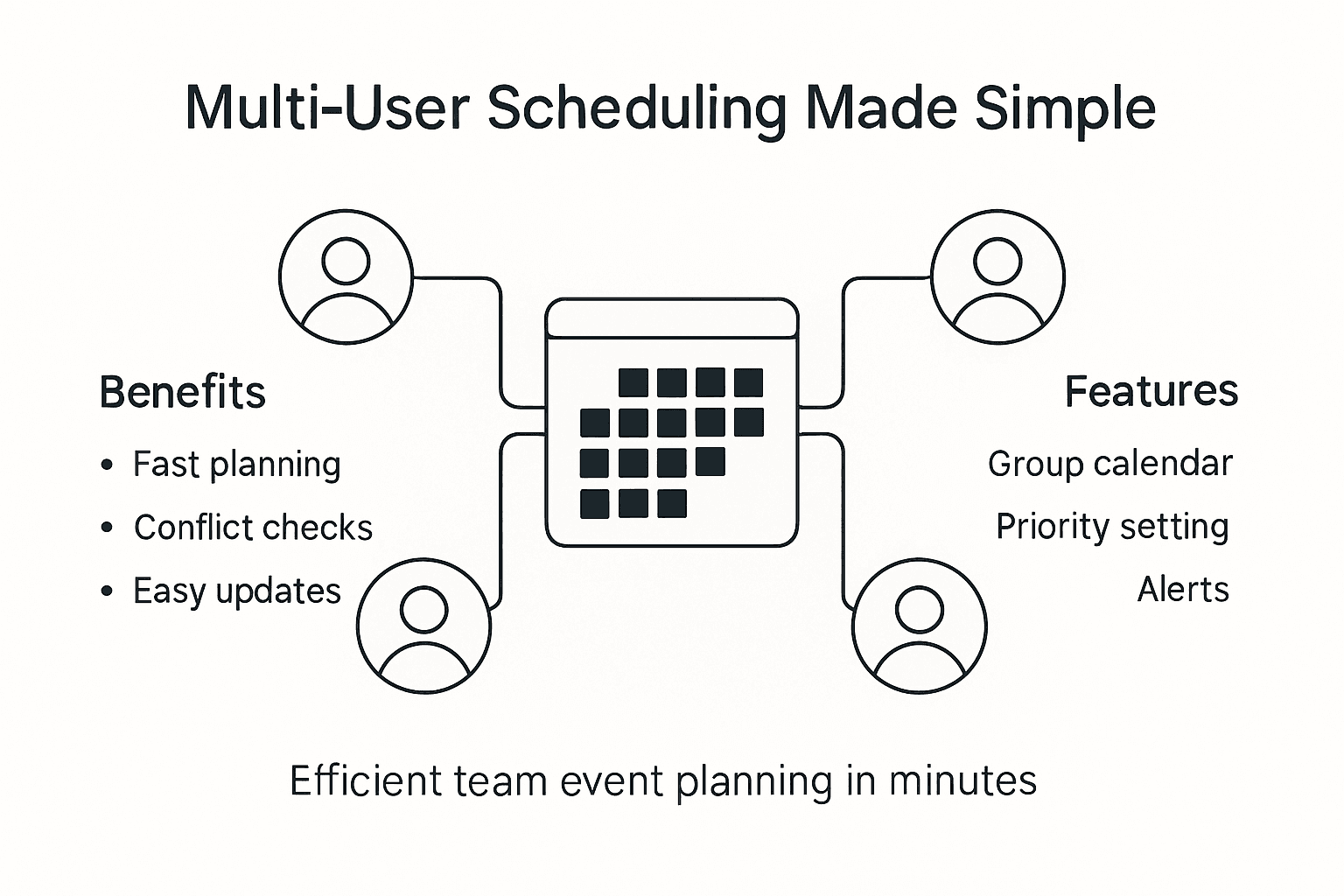
Common scheduling errors emerge from neglecting the complexity of multi-user objectives and relying on overly simplistic planning approaches. The most frequent mistakes event planners encounter include:
Here is a quick reference for common multi-user scheduling pitfalls and solutions:
| Common Mistake | Consequence | Preventive Action |
|---|---|---|
| Overlooking time zones | Missed or late attendance | Use auto time zone detection |
| Weak conflict resolution | Double-booked meetings | Enable smart conflict checks |
| Privacy violations | Loss of trust or compliance | Set granular visibility |
| Inflexible frameworks | Schedule changes disrupt plans | Choose adaptive platforms |
| Ignored preferences | Low participant engagement | Gather feedback proactively |
- Overlooking Time Zone Differences: Failing to account for geographic diversity
- Insufficient Conflict Resolution: Not implementing robust scheduling conflict mechanisms
- Privacy Boundary Violations: Sharing too much or too little participant information
- Rigid Scheduling Frameworks: Using inflexible systems that cannot adapt to dynamic changes
- Neglecting Individual Preferences: Treating all participants as having identical availability
Successful multi-user scheduling requires a nuanced approach that balances technological sophistication with human-centered design. Event planners must recognize that effective scheduling is not just about finding a common time slot, but creating an inclusive, respectful process that considers the unique constraints and preferences of each participant.
Pro tip: Always conduct a preliminary availability survey and build buffer time into your scheduling process to accommodate unexpected changes and individual variability.
Transform Your Multi-User Scheduling Challenges into Seamless Events
Multi-user scheduling often suffers from complex coordination, overlooked preferences, and endless back-and-forth communications. This article highlights how critical it is to manage conflict resolution, privacy controls, and collaborative workflows effectively to speed up team event planning. If you are struggling with these common pain points like juggling multiple availability schedules or avoiding scheduling conflicts, there is a better way.
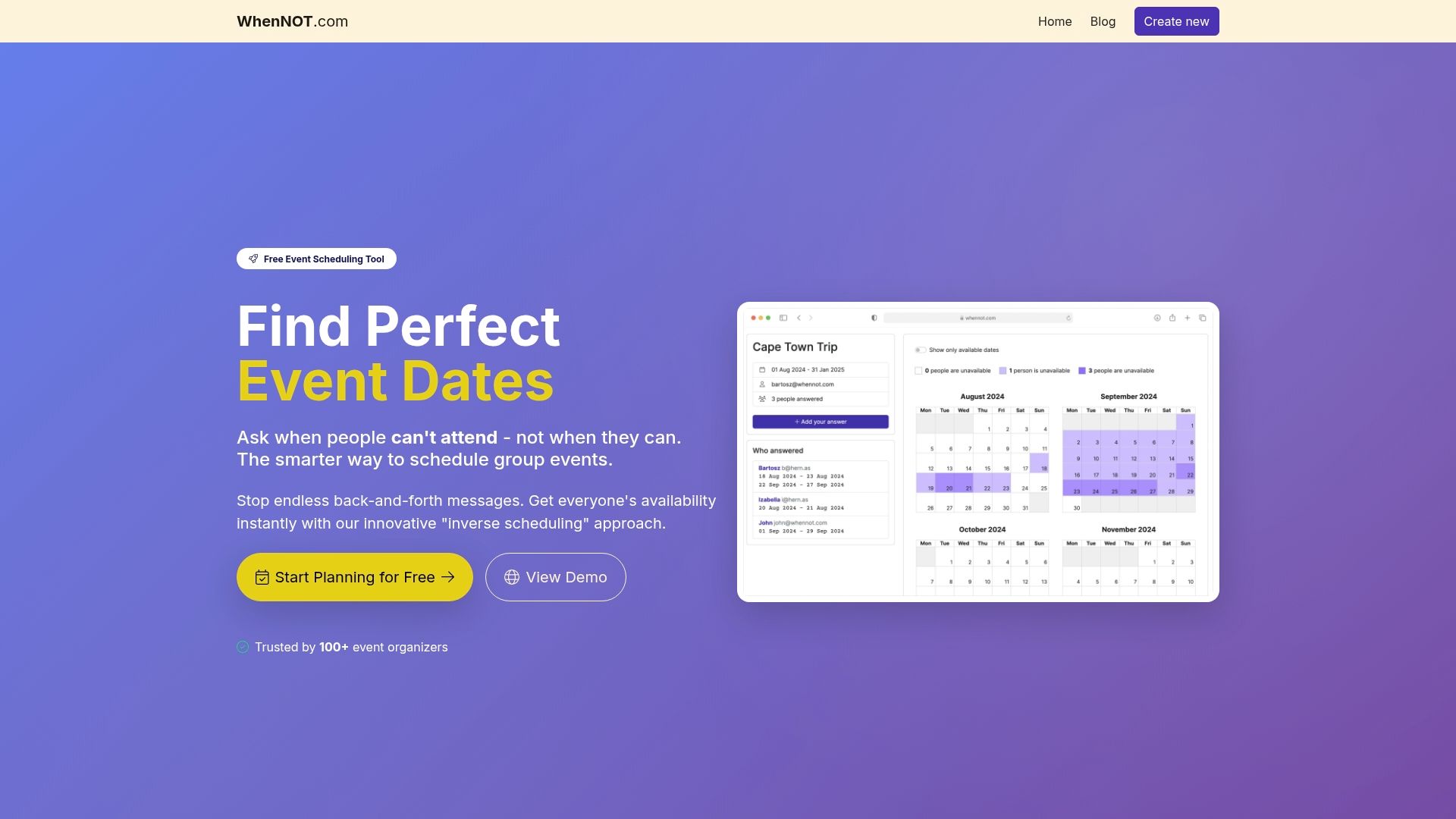
WhenNOT revolutionizes group scheduling by asking participants when they are not available rather than when they are free. This inverse scheduling approach simplifies identifying the best date range for your event with minimal effort. Without forcing signups or complicated steps, your team can quickly mark unavailable times, giving you a clear, visual overview to make fast, informed decisions. Whether you are planning a corporate retreat or a multi-day workshop, WhenNOT addresses the core scheduling challenges discussed in this article by prioritizing flexibility, privacy, and ease of use.
Discover how WhenNOT’s innovative scheduling solutions let you reduce communication delays and streamline coordination today.
Explore more about efficient team event planning and start saving valuable time for what truly matters.
Ready to end scheduling chaos and reclaim your productivity? Visit WhenNOT now and experience the smarter, faster way to plan your next multi-user event.
Frequently Asked Questions
What is a multi-user scheduling system?
Multi-user scheduling systems are advanced platforms designed to manage events and appointments across multiple participants simultaneously, allowing for collaborative planning and real-time negotiation of availability.
How do multi-user scheduling systems handle conflicts?
These systems automatically identify potential scheduling overlaps and offer conflict resolution mechanisms to suggest optimal meeting times, thus reducing administrative overhead for event planners.
What are some key features to look for in a multi-user scheduling tool?
Key features to consider include conflict detection, resource allocation, privacy management, dynamic adjustment capabilities, and collaborative negotiation tools to enhance scheduling efficiency and effectiveness.
What common mistakes should I avoid when using multi-user scheduling?
Common mistakes include overlooking time zone differences, insufficient conflict resolution, privacy violations, using inflexible frameworks, and neglecting individual preferences, all of which can disrupt effective scheduling.