
Finding a date and time that works for everyone can feel impossible. Busy schedules get in the way and endless group messages never seem to help. Imagine there was a faster and less frustrating solution. Tools are now popping up that promise to make group planning easier for families, friends, and teams. Some ask when you are busy, some give you a poll to fill out, and others use clever calendars that show everyone’s choices in one place. Each one offers a different way to skip the hassle and pick a date without headaches. Curious to see which approach could make your next meeting or event come together with less stress and more agreement
Table of Contents
whennot
At a Glance
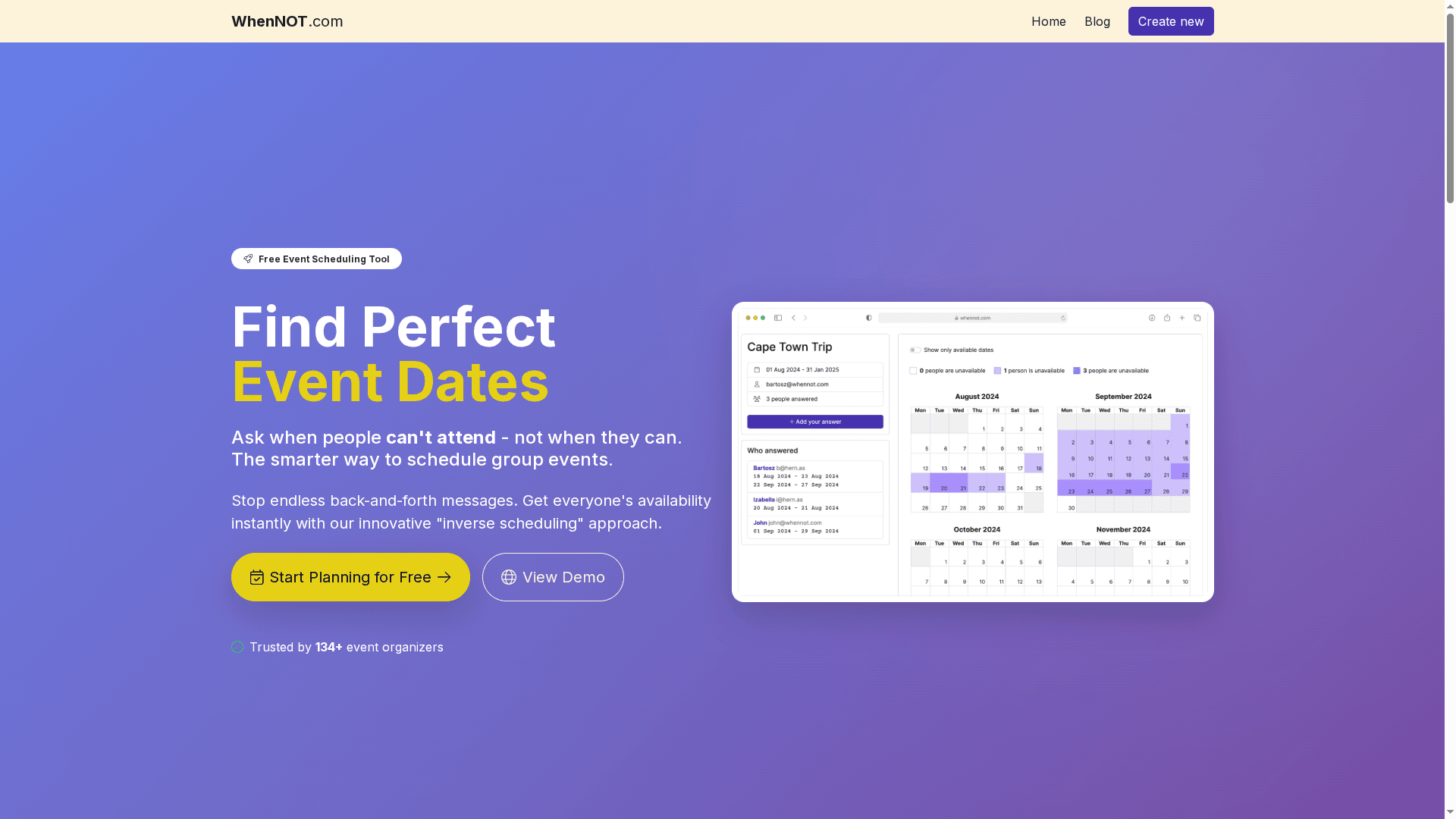
WhenNOT is a focused, no-friction scheduling tool built around an “inverse scheduling” idea: participants mark when they are not available instead of listing all possible available times. That single change makes multi-day and flexible-date planning dramatically faster and far less annoying. It’s free, private, and works without sign-ups—perfect when you need speed and simplicity for group events large or small.
Core Features
WhenNOT’s core capabilities optimize the path from invitation to consensus. Create an event with a custom name and date range, share a single unique link, and let participants mark the days they cannot attend. The organizer then views everyone’s unavailability simultaneously so ideal dates pop out visually. No participant accounts, no forms to complete—just a link and a browser. The feature set intentionally concentrates on inverse scheduling and secure, private coordination rather than a sprawling toolbox.
Pros
- Completely free to use with no hidden costs: You get full functionality without trial limits or paywalls. This keeps planning accessible to anyone.
- Extremely simple workflow with no sign-ups required: Organizers and participants don’t waste time creating accounts; a shared link is all you need.
- Optimized for multi-day and flexible date events: The inverse model excels when dates span several days or when the exact day isn’t fixed yet.
- Reduces back-and-forth and saves time: Visualizing everyone’s busy days concurrently eliminates long email threads and endless spreadsheets.
- Secure and private: The platform prioritizes data privacy and security, so organizers can plan without exposing attendees’ calendars.
Who It's For
WhenNOT is aimed at organizers who value speed and simplicity: family members coordinating reunions, hobby groups arranging meetups, trip planners plotting multi-day vacations, and corporate teams scheduling retreats or training windows. If you want a fast, low-friction way to find common dates without forcing people to register or download apps, this tool fits exactly.
Unique Value Proposition
WhenNOT’s unique value lies in its inverse scheduling paradigm combined with an intentionally minimal, privacy-first design. Instead of forcing participants to choose available slots across complicated matrices, it asks a simpler, less burdensome question: when can’t you attend? That small inversion dramatically reduces cognitive load and the manual labor of comparing calendars—especially across multi-day ranges. Because it removes registration barriers and visualizes everyone’s unavailable days at once, organizers reach consensus in minutes rather than days. No cost, no ads, and explicit emphasis on secure links further differentiate it: you get enterprise-grade privacy without enterprise pricing. In short: WhenNOT trades feature bloat for a razor-focused workflow that solves the most common pain point in group planning—finding dates that actually work for everyone.
Real World Use Case
A company planning a three-day offsite creates an event, selects a two-week range, and sends the WhenNOT link to the team. Team members mark blackout days; the organizer instantly sees overlapping free windows and pins the optimal retreat dates without another meeting or poll. Fast decisions. Less email. Happier people.
Pricing
Free forever, no cost or premium plans.
Website: https://whennot.com
Doodle
At a Glance
Doodle is a battle-tested scheduling service used by 133 million people for over 18 years, built to cut the back-and-forth out of finding meeting times. It manages availability, invites, and reminders so you spend less time coordinating and more time doing. It also supports branded booking pages and secure payments, making it a practical choice for client-facing professionals. In short: reliable, integrated, and designed for organizations that need professional scheduling without reinventing the wheel.
Core Features
Doodle provides straightforward scheduling for any meeting type, automatic availability management, and built-in invites and reminders that reduce manual follow-up. It offers branded booking pages for a polished, professional presentation and supports secure online payments at booking — useful when appointments require fees. Doodle integrates with popular calendars and communication tools including Google Calendar, Outlook, iCloud, Microsoft Teams, Zoom, Webex, and Google Meet to keep your schedule synchronized across tools.
Pros
- Trusted by millions and long-established: With 133 million users and more than 18 years in the market, Doodle brings credibility and a mature platform you can rely on.
- Cuts scheduling friction: Automatic availability management, invites, and reminders reduce scheduling back-and-forth and free up organizer time.
- Professional booking presentation: Branded booking pages let organizations present a polished, consistent experience to clients and partners.
- Secure payments and invoicing support: Built-in secure payment handling simplifies fee collection at the time of booking.
- Integrates with key calendar and meeting tools: Native connections to major calendars and conferencing platforms help keep everyone on the same page.
Cons
- Pricing details are unclear from the provided content: Specific plan tiers and costs aren’t detailed in the available information, making budgeting harder up front.
- Advanced features likely behind paywall: The content implies that enhanced capabilities may require a subscription or payment, though exact thresholds aren’t specified.
- Limited plan and free-tier clarity: There’s little detail on what the free experience includes versus paid plans, which can leave smaller users guessing.
Who It's For
Doodle is best suited for organizations and professionals who need a reliable, secure, and integrated scheduling tool for meetings of all sizes — from one-on-ones to group workshops. If you run client appointments, coordinate recurring team meetings, or manage external workshops and prefer a polished booking experience with payment options, Doodle fits nicely.
Unique Value Proposition
Doodle’s unique strength is its combination of longevity, broad integrations, and business-facing features like branded booking pages and secure payments. That mix makes it a single place to present professionally, collect payment, and keep calendars synchronized.
Real World Use Case
A company uses Doodle to organize weekly team meetings, coordinate client appointments, and handle external workshop scheduling efficiently — eliminating long email threads and centralizing invites, reminders, and payments.
Pricing
Free tier available (details and paid plan specifics are not provided in the source content).
Website: https://doodle.com
WhenShouldWe
At a Glance
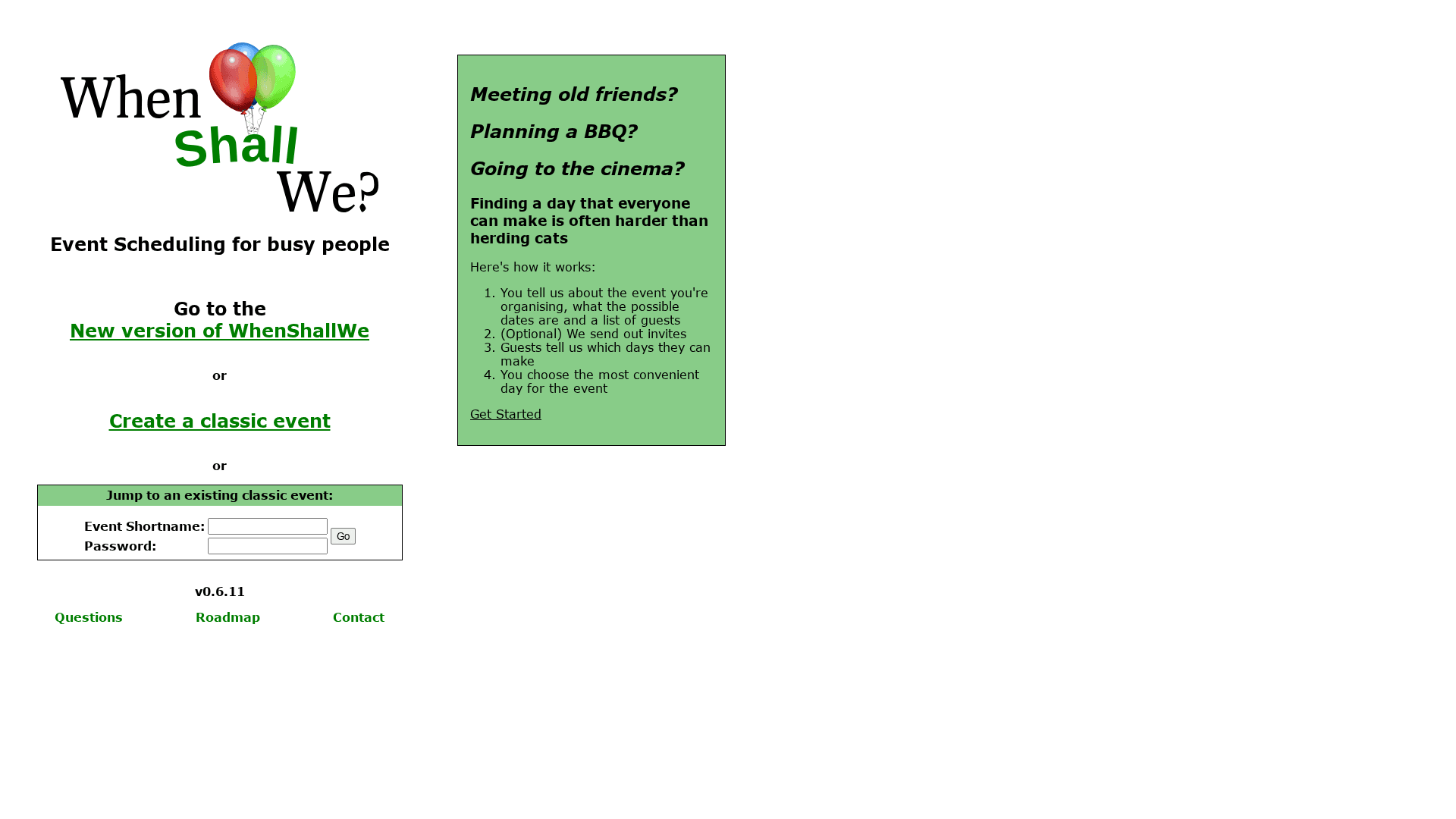
WhenShouldWe is a focused, no-frills event scheduler built to help busy people find the best date for group gatherings with minimal fuss. It emphasizes simplicity: create an event, invite guests, and gather availability to pick the date that works for most people. If you want a fast way to coordinate social plans or casual group events without accounts or complicated setup, this tool delivers.
Core Features
WhenShouldWe centers on straightforward scheduling actions: you can create classic events or jump into existing ones, send invites to collect responses on available dates, and then pick the most convenient date based on guest replies. Its user-friendly interface keeps the flow direct—organizers create an event, guests indicate availability, and the platform highlights the most suitable option. There’s nothing distracting here: the feature set is laser-focused on date coordination rather than event management bells and whistles.
Short and sharp. Exactly what many organizers need.
Pros
- Easy to use for organizing group events: The platform’s simple workflow reduces friction when you’re trying to lock down a date quickly.
- Streamlines coordinating dates among multiple guests: By collecting availability in one place, it eliminates lengthy back-and-forth messages.
- Supports both creating new events and joining existing ones: Guests can be added to events or join without obstacles, making spontaneous plans easier to manage.
- Minimal setup required for inviting guests and collecting responses: You don’t need long onboarding; invites and responses are straightforward and quick.
- Flexible and can handle various event types: From BBQs to meetups, the tool adapts to casual gatherings and small group activities.
Cons
- Limited information on additional features or integrations: The site doesn’t detail any integrations with calendars or messaging apps, which may hinder workflows that rely on those connections.
- Potentially limited customization for invitations or event details: If you need branded invites, rich event descriptions, or advanced RSVP options, this tool looks thin on those fronts.
- No detailed privacy or security information provided: The lack of explicit privacy or data-protection details may concern organizers handling sensitive guest lists.
Who It's For
This tool is ideal for busy individuals, informal event organizers, and small groups who want a quick, low-overhead way to find a date that works for most attendees. Think friends coordinating a weekend outing, a community volunteer team scheduling a meet-up, or anyone who values speed and simplicity over advanced features.
Unique Value Proposition
WhenShouldWe’s unique value is its singular focus: make date selection simple. It strips away complexity and centers on the single pain point most planners face—finding a common available date—so you spend less time coordinating and more time planning the event itself.
Real World Use Case
A group of friends planning a movie night can create an event, share the invite link, and quickly see which night draws the most availability. Instead of juggling messages, the organizer selects the date with the best turnout and sends the final details. Fast. Practical. No headaches.
Pricing
Information not provided on the website.
Website: https://whenshallwe.com
whenshouldwe
At a Glance
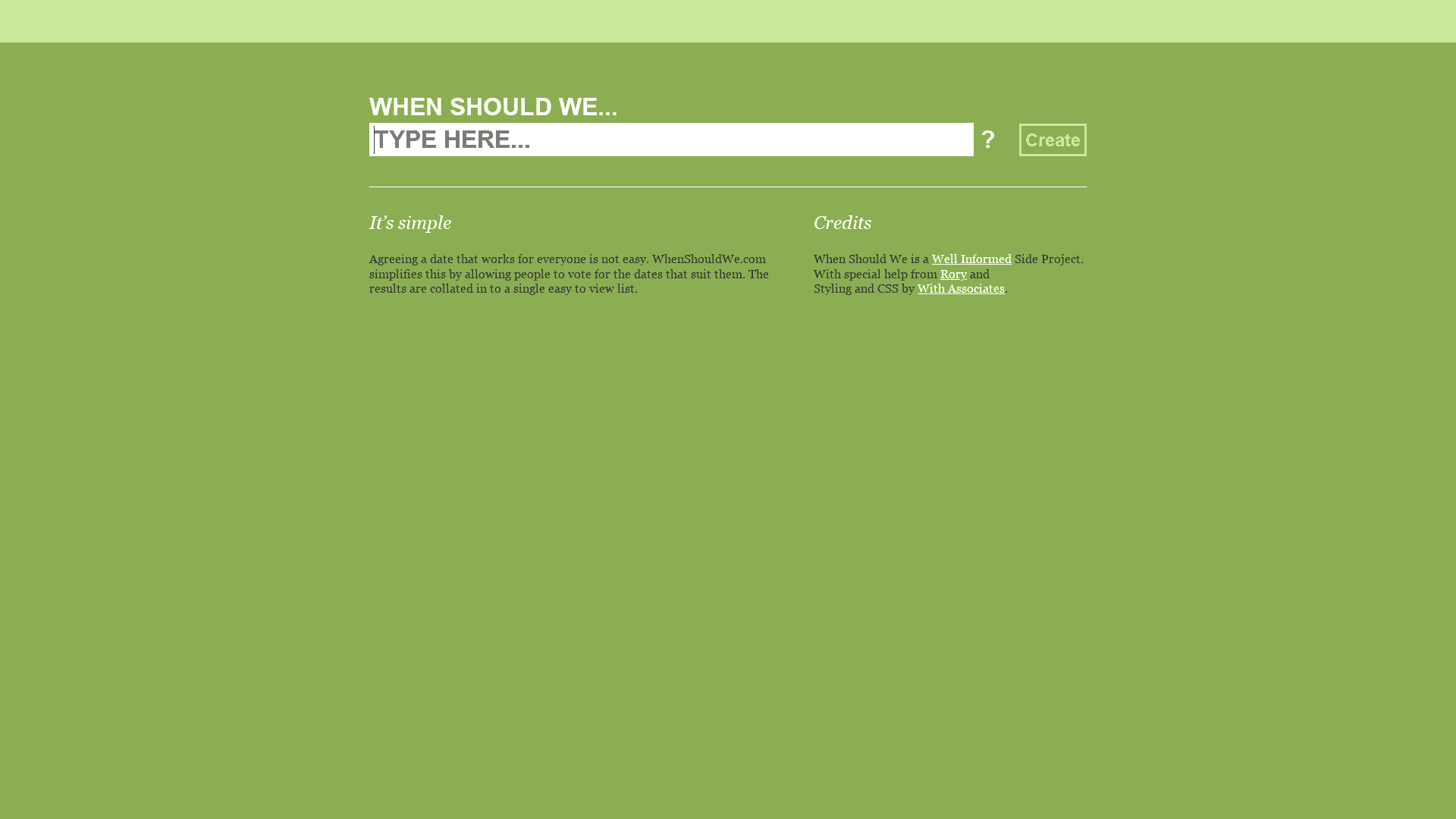
whenshouldwe is a straightforward, no-frills scheduling tool that helps groups vote on dates and view collated results in a single, easy-to-read list. It’s built as an informed side project with community support, so expect simplicity and transparency rather than enterprise features. If your priority is getting consensus quickly and for free, this tool delivers reliably. It’s not designed for complex calendar integrations or large-scale event logistics.
Core Features
whenshouldwe focuses on three core capabilities: letting participants vote for dates that work for them, aggregating those votes into one clear list, and simplifying the decision-making process for group events. The interface centers on date selection and result visualization, avoiding clutter from advanced options. That focused approach keeps the flow intuitive: you propose dates, participants vote, and you see which date has the most support.
Simple. Effective.
Pros
- Easy-to-use interface for voting and viewing results makes onboarding immediate and reduces back-and-forth communication for organizers.
- Helps find a common date efficiently by aggregating participant preferences into a consolidated list for quick comparison.
- Supports group scheduling needs without complex integrations or setup, which is ideal when you just need quick consensus rather than deep toolchains.
- Open project with community support gives transparency about development and responsiveness from contributors rather than a closed corporate roadmap.
- Free to use, which removes budget friction for casual groups, volunteer organizers, and small teams.
Cons
- Limited information on additional features or customization options means you might not be able to tailor polls to very specific requirements.
- Potentially less suitable for complex scheduling scenarios or large groups because the tool emphasizes simplicity over advanced conflict resolution or capacity controls.
- No mention of a mobile app or calendar integrations, so syncing votes with existing calendars or managing votes on the go could be awkward for some users.
Who It's For
whenshouldwe is best for individuals, small teams, and community organizers who want a fast, low-friction way to reach agreement on a date. If you organize family gatherings, casual meetups, small project meetings, or social events and you don’t need automated calendar syncing, this tool fits neatly into your workflow. Want something quick and free? This is it.
Unique Value Proposition
The product’s unique strength is its concentrated simplicity: it strips scheduling down to voting and clear results, removing distracting features that create choice paralysis. As a community-backed side project, it trades enterprise bells and whistles for transparency, ease of use, and zero cost—making consensus-based scheduling approachable for anyone.
Real World Use Case
A small project team needs a two-hour meeting in the next week. The organizer creates a vote with several date options, shares the link, and team members mark the dates that work for them. whenshouldwe displays the votes in a single list, the organizer spots the best-fit date at a glance, and the meeting is scheduled without lengthy email threads.
Pricing
Free to use (host website; no detailed pricing tiers available).
Website: https://whenshouldwe.com
Doodle
At a Glance
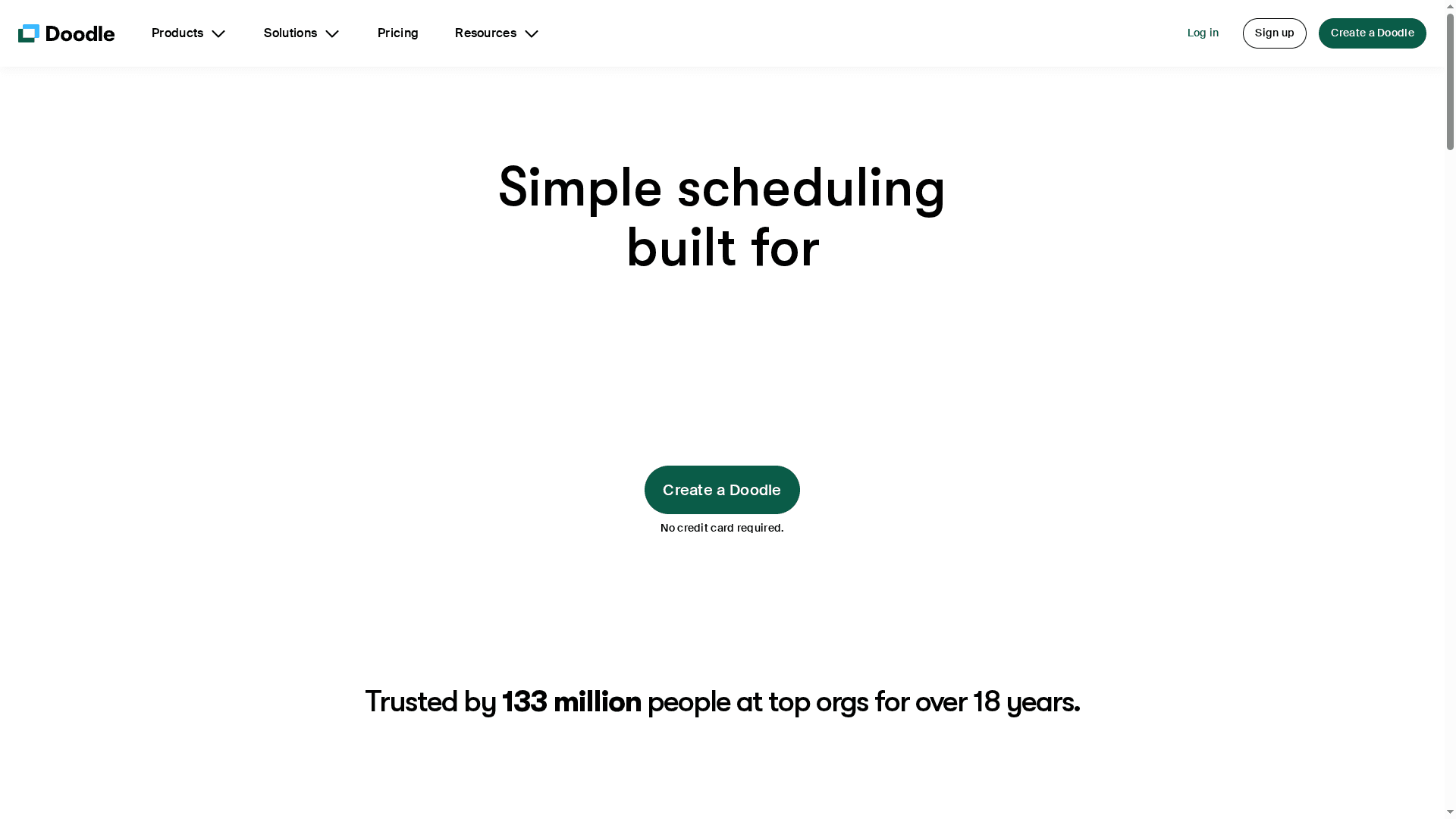
Doodle is a long-established, straightforward scheduling tool used by 133 million people over 18 years, designed to find the best meeting times quickly and with minimal fuss. It emphasizes speed and compatibility, offering integrations with major calendars and meeting platforms so your invites and reminders sync where you already work. You can add branding to booking pages and even collect secure payments at the point of booking, which makes it useful for professionals. It’s a solid, no-friction option when you need reliable scheduling without reinventing your workflow.
Core Features
Doodle creates simple scheduling flows that help organizers find perfect meeting times for one-on-ones, group workshops, or professional appointments. Key capabilities include branded booking pages for a professional look, secure payment collection during booking, and integrations with iCloud, Outlook, Microsoft Teams, Zoom, Google Meet, and other calendar systems. The platform claims to enable booking for complex meetings up to 10× faster by consolidating availability and reducing back-and-forth communications.
Pros
- Proven, widely used platform: Doodle is trusted by 133 million users and has been available for over 18 years, which speaks to its stability and broad adoption.
- Low barrier to start: You can begin using Doodle without providing a credit card, making trial and onboarding friction-free.
- Professional presentation: The ability to add branding to booking pages helps professionals present a consistent, polished image to clients and attendees.
- Built-in payment handling: Secure payment collection at booking simplifies paid appointments and reduces follow-up administrative work.
- Strong integrations: Compatibility with popular tools and platforms reduces duplicate work by syncing availability and meetings into calendars and conferencing apps.
Cons
- Unclear free-feature limits: The specific limitations of free features are not detailed in the provided information, so it’s unclear how robust the no-cost tier is.
- Advanced features may require payment: The content suggests that more advanced capabilities likely need paid plans or additional integrations, but exact details are not provided.
- Customization details are missing: There’s no information on how deep customization options go or whether there are limits on branding, layouts, or workflows.
Who It's For
Doodle suits professionals, small teams, and larger organizations that need a quick, dependable way to coordinate meetings and appointments. If you run client bookings, organize recurring team meetings, or run workshops and want a branded booking experience with the option to collect payment, Doodle fits well. It’s for organizers who prioritize speed, calendar compatibility, and a low-friction participant experience.
Unique Value Proposition
Doodle’s strength lies in combining decades of market presence with practical features: branded booking pages, secure payments at booking, and broad integrations that let scheduling sit smoothly inside existing calendars and conferencing tools. In short: established reliability plus useful professional features.
Real World Use Case
A project team shares a Doodle link each week so members mark availability; the organizer identifies the best slot in minutes, schedules the meeting into everyone’s calendars, and stops the endless email thread. Simple. Fast. Effective.
Pricing
Free to try; specific pricing details are not provided in the content.
Website: https://doodle.com
When2meet
At a Glance
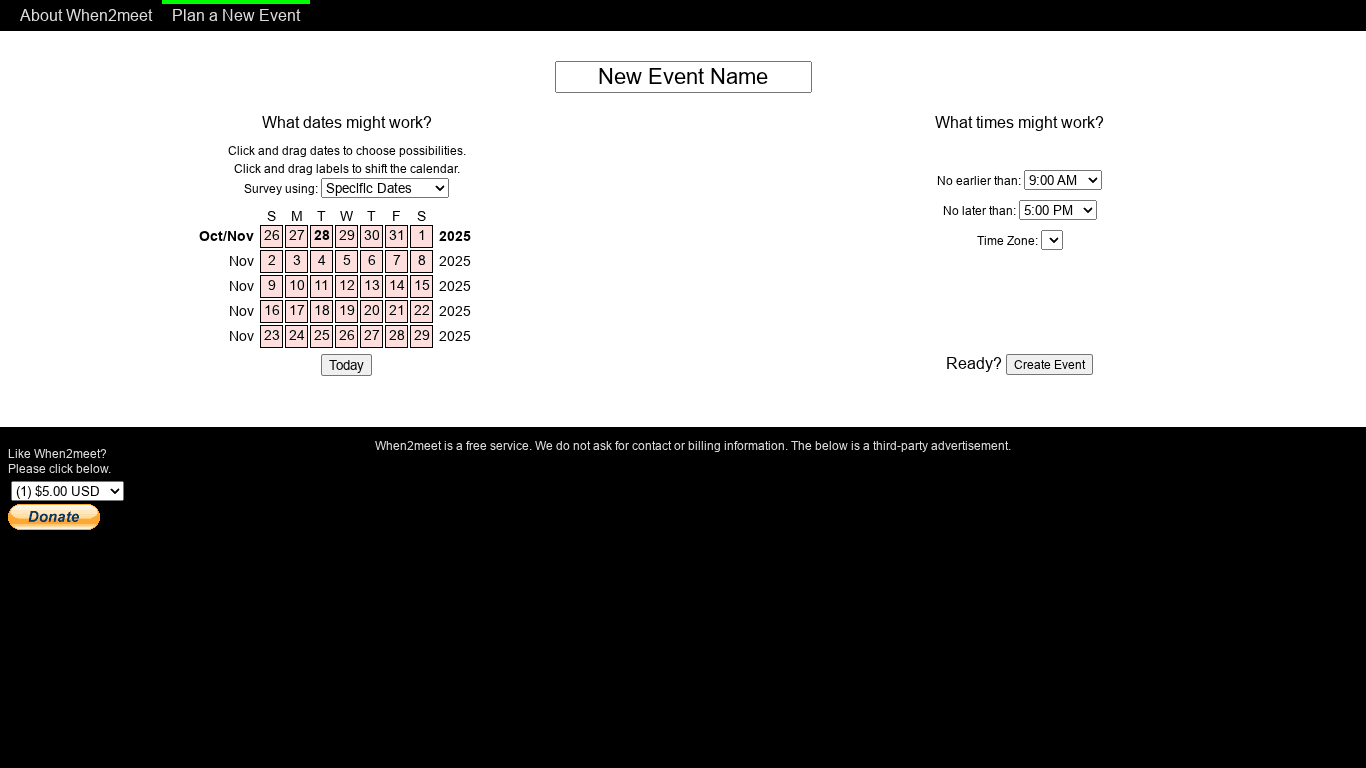
When2meet is a straightforward, free scheduling tool that helps groups find common dates and times by letting participants click and drag on a shared calendar. It requires no sign-up or payment details, so you can spin up a poll and invite people in minutes. If you want a lightweight, no-friction way to compare availability across multiple people, When2meet does that job clearly and quickly.
Core Features
When2meet centers on an interactive drag-and-drop calendar where organizers set a date range and participants mark their availability. You can specify particular dates, recurring days of the week, and time windows for each poll, which makes it useful for multi-day events or recurring meetings. The tool assumes everyone uses a single time zone and displays visual indicators that show overlapping availability, and the service is free with third-party advertising embedded.
Pros
- Truly no barriers to entry: It doesn’t require contact details, sign-up, or billing, so organizers and invitees can participate instantly without account friction.
- Fast, intuitive interface: The click-and-drag calendar is immediately understandable and speeds up the scheduling process for groups of any size.
- Flexible date and time selection: You can set specific date ranges, pick days of the week, and limit times to a window that fits your event needs.
- Clear visual overlap for groups: Visual indicators make it easy to spot common free slots across multiple participants, reducing back-and-forth.
- Good for a range of events: From casual social gatherings to team meetings, it accommodates single or recurring scheduling needs without complexity.
Cons
- Single time zone limitation hampers remote groups: The requirement that everyone stick to one time zone makes it inconvenient for teams spread across regions.
- Feature set is basic and lacks integrations: There are no built-in calendar syncs, reminders, or advanced options, so you’ll need other tools for follow-up and automation.
- Relies on internet access for collaboration: Real-time polling and updates require a connection, which can be an issue when participants are offline or have spotty service.
Who It's For
When2meet is ideal for organizers who need a simple, free way to pinpoint shared availability without forcing participants to create accounts. Think family members planning a reunion, hobby groups coordinating meetups, or small teams arranging a weekly check-in. If you value speed and minimal setup over calendar integrations or advanced features, this is a pragmatic choice.
Unique Value Proposition
When2meet’s standout value is its near-zero setup overhead: no accounts, no payments, and a visually direct method for finding common times. That simplicity removes barriers and gets you from question to answer in minutes — perfect when speed and ease matter more than bells and whistles.
Real World Use Case
A team of colleagues uses When2meet to coordinate availability for a weekly meeting: the organizer sets a date range and time windows, teammates mark when they’re free, and the visual overlap reveals the best recurring slot — all without anyone creating an account.
Pricing
Starting at Free — service supported by third-party advertisements.
Website: https://when2meet.com
Rallly
At a Glance
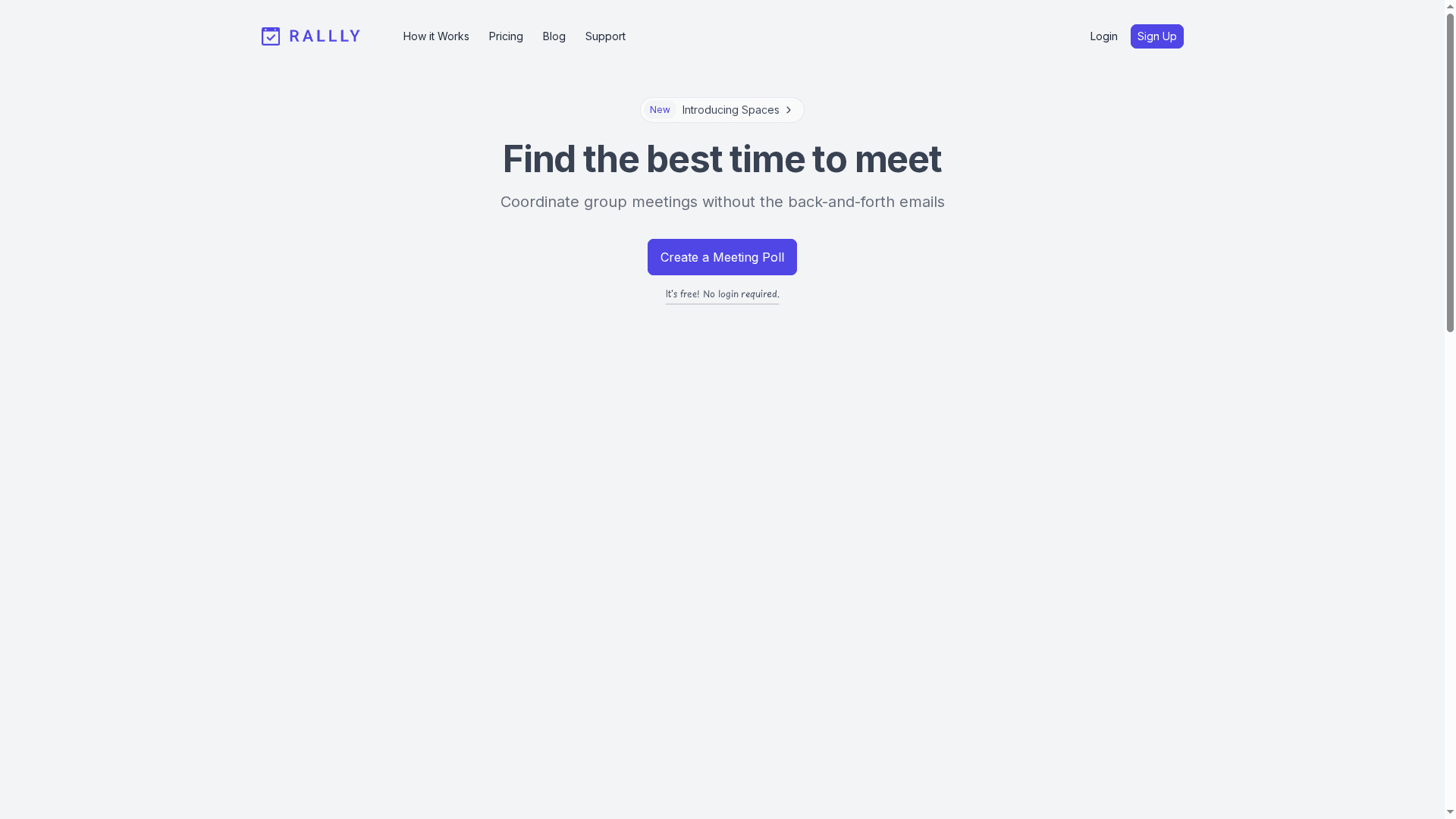
Rallly is a straightforward, no-friction group meeting scheduler built around quick polls so groups can stop trading endless emails. It shines for casual organizers and small teams who need fast coordination without forcing everyone to create accounts. There are paid plans that unlock indefinite poll storage and early feature access, making it a pragmatic step-up for power users and professionals.
Core Features
Rallly focuses on simplicity: create meeting polls quickly without logging in, share a link, and let participants select times in their preferred language. The free tier covers basic scheduling needs, while paid plans add indefinite poll storage and early access to new features. Polls on the free plan are automatically deleted after a period of inactivity, which keeps the platform tidy but is something to consider for recurring or long-term planning.
Pros
- Quick setup: You can create a poll and start collecting responses in minutes, which reduces the friction of coordinating groups who are short on time.
- No login required for basic use: Participants don’t need accounts to vote, simplifying participation for friends, family, or external guests.
- Multilingual support: Rallly supports multiple languages, which makes it useful for diverse groups or international teams.
- Free core functionality: The free tier covers most common group-scheduling scenarios, helping users coordinate without an upfront cost.
- Established user base: With over 120,000 registered users and 300,000 polls created, Rallly benefits from an active community and proven adoption.
Cons
- Paid-only features: Some useful features, like indefinite poll storage and early access to new functionality, are restricted to paid plans.
- Automatic deletion on free plan: Polls are deleted after inactivity on the free tier, which can be a drawback for recurring events or long-term archives.
- Limited customization: Customization options are more limited compared to feature-rich competitors, so power users who want deep control may find it constraining.
Who It's For
Rallly is ideal for casual users, small teams, and professionals who prioritize speed and ease over heavy customization. If you often organize family gatherings, community meetups, or weekly team check-ins and want a low-barrier way for participants to respond, Rallly fits that workflow well.
Unique Value Proposition
Rallly’s core value is its minimal friction: create a poll, share a link, and collect responses with no mandatory sign-ups and multilingual support. That low-friction approach saves time and reduces coordination delays, especially for groups that need simple, one-off scheduling without bells and whistles.
Real World Use Case
A small remote team uses Rallly to coordinate weekly meetings by creating a poll with several time options, sharing the link in their chat, and quickly identifying the slot that works for most people—no email threads, no sign-ups for respondents, and a clean, fast outcome.
Pricing
Starting at $5.64 per month (billed annually) for paid plans, with a free tier available for basic features.
Website: https://rallly.co
Scheduling Tools Comparison
This table compares several scheduling tools, detailing their features, pros, cons, pricing, and ideal users to help organizers select the best option for their needs.
| Tool | Features & Usability | Pros | Cons | Pricing |
|---|---|---|---|---|
| WhenNOT | Inverse scheduling; no sign-up required; private links | Free; simple workflow; optimized for multi-day events; secure | Limited to basic scheduling; lacks advanced features | Free |
| Doodle | Branded booking pages; integrates with calendars; payment handling | Trusted platform; reduces scheduling friction; professional presentation | Pricing details unclear; advanced features may require payment | Free tier available |
| WhenShouldWe | Event creation and invites; straightforward date selection | Easy to use; fast coordination; minimal setup | Limited additional features or integrations; lack of privacy details | Info not provided |
| whenshouldwe | Date voting and result aggregation; community-backed | Simple interface; free to use; transparent development | Limited customization; no mobile app or calendar integrations | Free |
| When2meet | Interactive calendar; no sign-up; visual overlap for availability | Fast interface; flexible date/time selection; no setup required | Single time zone limitation; lacks integrations | Free, ad-supported |
| Rallly | Quick polls; multilingual support | Quick setup; no login required; active user base | Paid-only features; auto-deletion on free plan | Free & Paid plans ($5.64/mo) |
Simplify Group Scheduling with WhenNOT's Inverse Approach
If you have ever felt overwhelmed trying to coordinate a group event, you are not alone. The article "Best Group Scheduling Tools – Expert Comparison 2025" highlights how traditional scheduling causes long email threads and endless back-and-forth communication. The core challenge is clear: finding a time that fits everyone's busy schedules, especially for multi-day or flexible-date events, feels slow and frustrating. WhenNOT changes the game by asking participants to mark when they are not available rather than when they are free. This inversion reduces the mental load and speeds up consensus dramatically.
Discover how our innovative online scheduling tool is tailored for fast and private coordination without forcing anyone to sign up or create complicated accounts. You create an event with your desired date range, share a unique link, and instantly visualize everyone's unavailable days at once. This makes choosing the best date intuitive and stress-free. For anyone managing family gatherings, corporate retreats, or multi-day trips, WhenNOT offers a truly free, user-friendly, and secure solution.
Start transforming your event planning today with WhenNOT.
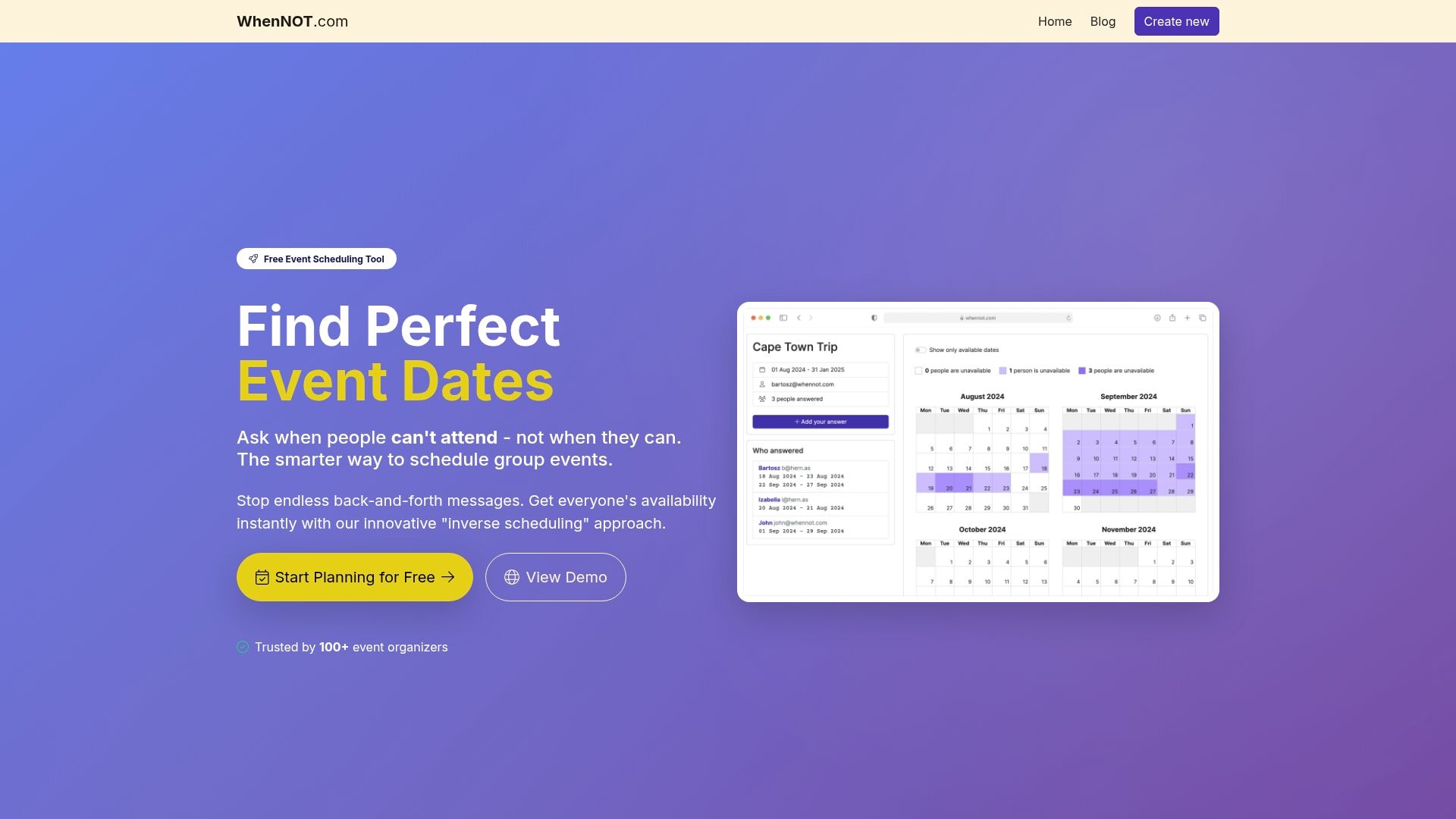
Ready to stop wasting time on endless scheduling emails and spreadsheets Try WhenNOT for your next group event and experience how simple and quick scheduling can be. Visit WhenNOT now and discover scheduling perfected for your busy world.
Frequently Asked Questions
What are the key features to look for in the best group scheduling tools in 2025?
The key features include ease of use, integration with existing calendar systems, support for multiple time zones, and options for voting on available dates. Prioritize tools that allow participants to mark their availability directly, reducing scheduling friction and time spent in emails.
How can I choose the right group scheduling tool for my team?
To choose the right tool, evaluate your team's specific needs, such as the size of your group, the frequency of meetings, and whether you need integration with other tools. Analyze user feedback and test out a few options to determine which provides the best experience for scheduling your meetings.
How do group scheduling tools reduce the time spent on planning events?
Group scheduling tools streamline the planning process by allowing participants to indicate their availability in one shared interface, eliminating the need for back-and-forth emails. Implementing a scheduling tool can reduce planning time by up to 50%, helping teams reach consensus in minutes instead of days.
Are there any group scheduling tools that support multilingual users?
Yes, some group scheduling tools offer multilingual support to cater to diverse teams. Verify this option in the features section while evaluating your choices to ensure all participants can easily engage in the scheduling process without language barriers.
Can I use a group scheduling tool for casual events, not just business meetings?
Absolutely, many group scheduling tools are designed for both business and casual events, making them versatile. Use these tools to plan family gatherings, social meetups, or community events just as easily as you would for professional appointments.
What should I consider about data privacy when selecting a group scheduling tool?
When selecting a group scheduling tool, consider the platform's data privacy policies and how it handles user information. Look for tools that prioritize user privacy and offer clear guidelines on data protection to keep your participants' information secure.